
PLAY.
Import your .css file to interact with your colors.
ABOUT theunpartydtla
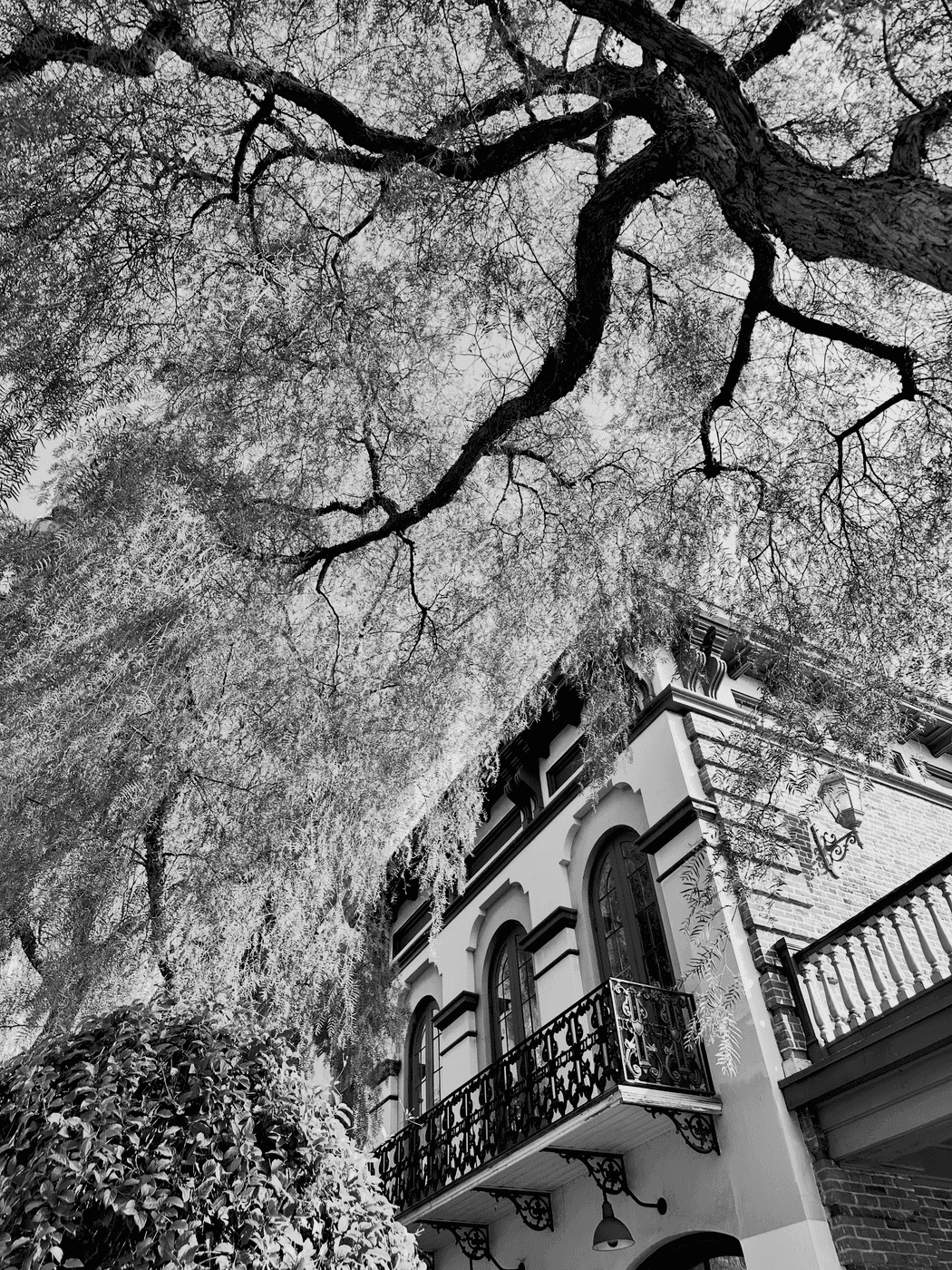
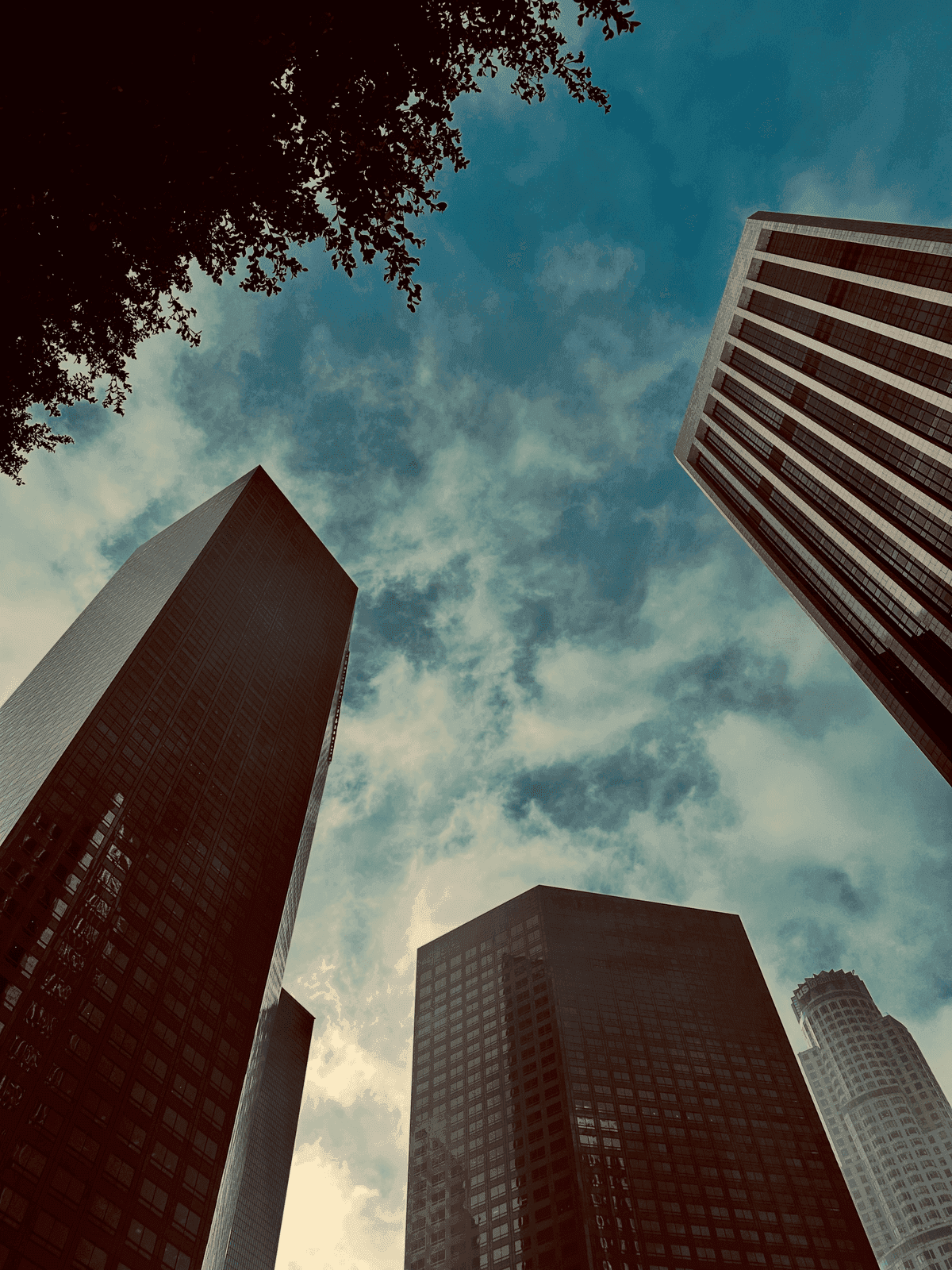
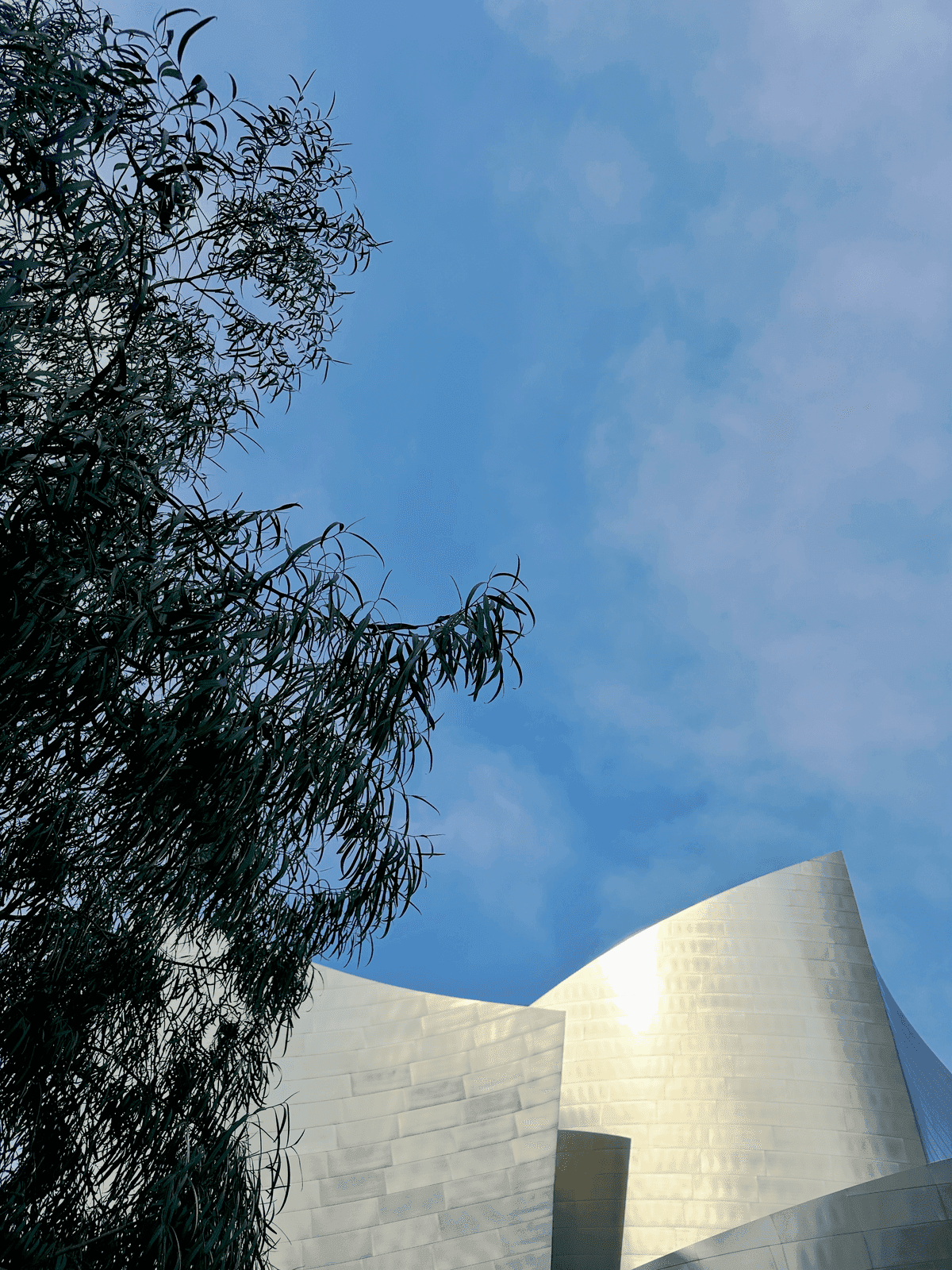
CORE.
The idea of the app is to unlock entreprenurial lessons by visting landmarks in Downtown Los Angeles.
What it theunpartydtla currently does
has 9 landmarks
| LANDMARK | |
|---|---|
| main street gateway | |
| olvera street market | |
| el pueblo plaza | |
| grand park | |
| gloria molina flag area | |
| walt disney concert hall | |
| 4th street bridge | |
| hope & third |
- LANDMARK
- main street gateway
These landmarks were chosen by proximity and can be replaced for a more appropriate route or partnership.
GROW.
While the app is in testing, your feedback is key to getting this app to the finish line.
How does theunpartyunlocal connect in unparty-app?
Currently user can,
upload a photo
extract dominant colors
create a circle
edit circle name
edit circle tagline
edit circle description
create a .css file
export .css file
create a .pdf file
export .pdf file
create a share page
share directly in iMessage
Some ideas are all set and ready to go, while others could use a bit of focus.
---
PRODUCT
Build a "circle" — a complete mini brand identity. Pick primary, secondary, accent, and two additional colors by hex, by hand with the built-in color picker, or lift them straight from a photo using on-device color extraction. Add a brand name, tagline, and description, each with its own font and size. Every circle saves instantly to your device.
When a circle is ready, take it anywhere: export it as a CSS file for developers, a polished PDF brand guide for clients, or preview it live as a styled web page right inside the app. Share any of it instantly via AirDrop or the Files app — no upload, no account, no waiting on a server.
unlocal also includes an optional DTLA Guide: a self-guided walking tour of Downtown Los Angeles landmarks, with a 3D map, Apple Maps Look Around previews, and turn-by-turn walking directions between stops. It's reachable any time from the home screen and is never required to use the color and brand tools — pure bonus exploration for anyone in DTLA.
Everything lives on your device: palettes and settings are stored as human-readable JSON files you can inspect, back up, or export at any time. Storage limits are yours to configure, and analytics are strictly opt-in.
---
Create a BRAND inspired by real life and share instantly — all stored on your device.
HOW TO TEST
STEPS 1. Create a circle: add a brand name/taglins (try extracting one from a photo), and save 2. Export a circle as CSS and as a PDF, and try the in-app "Preview in Web" option 3. Share an exported file via AirDrop or th 4. Adjust your local storage limit in Settings and confirm the usage indicator updates 5. From the home screen, tap "explore." to ndmark, get walking directions to it, andmark it explored 6. Try denying location access and confirm palettes, export) still works normally
FAQs
No account or sign-in exists anywhere in server. All user data (colors, palettes,settings) is stored locally on-device with no data knowingly is transmitted off-device.
Location (When In Use) is requested only" feature, to calculate walking directionsand suggest nearby Downtown LA landmarks. It is not required for the core color/brand tools, and the app is fully functional if location access is denied.
Photo-based color extraction uses Apple's on-device Vision framework only; images are never uploaded.